Magic AI
Three taps to a screen.
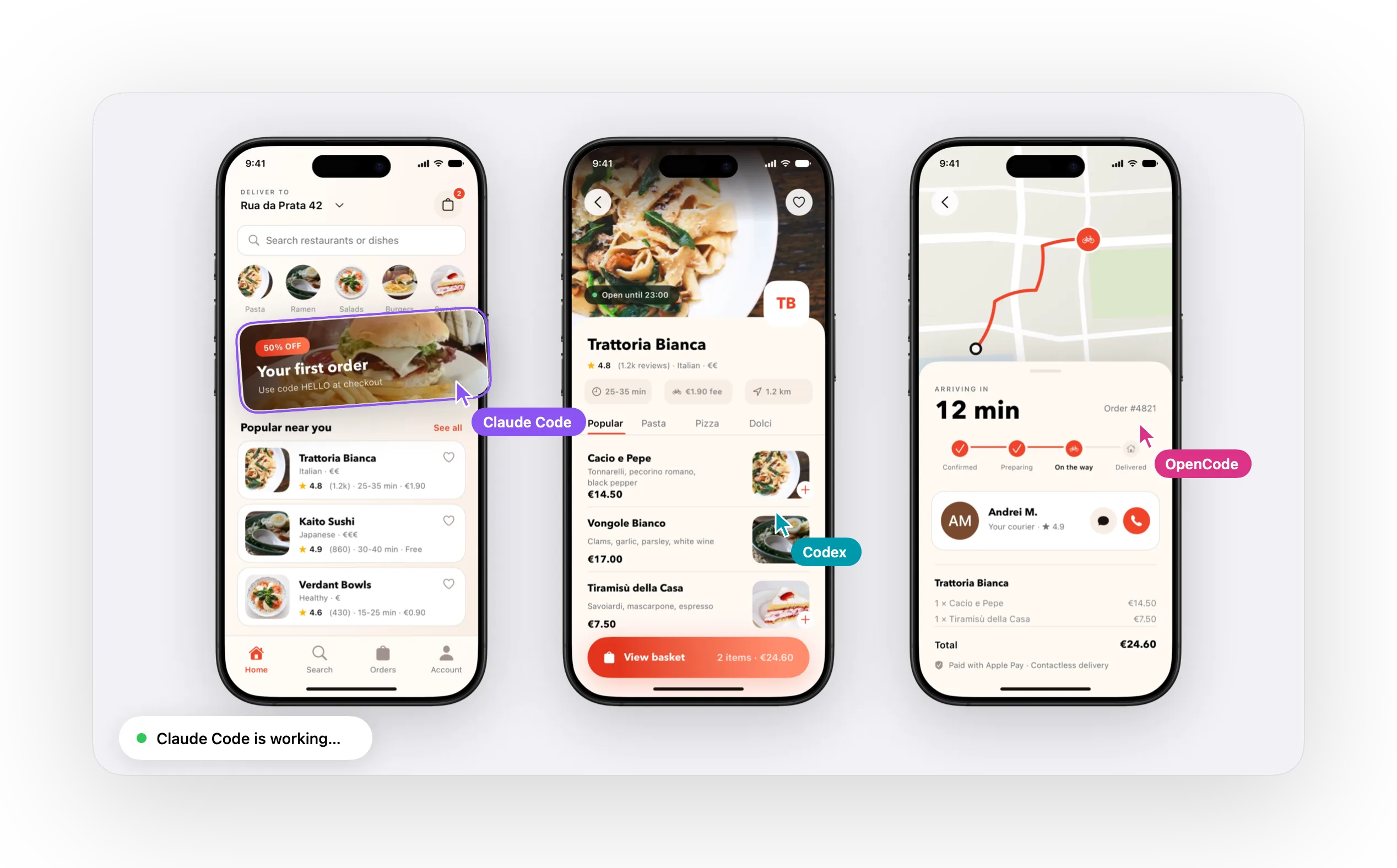
There’s no chat in MockApp. The AI works inside the container you place, and nowhere else.
- 1
Place a container. Drop a Magic AI container from the quick row of Elements and size it like the screen or card you want.
- 2
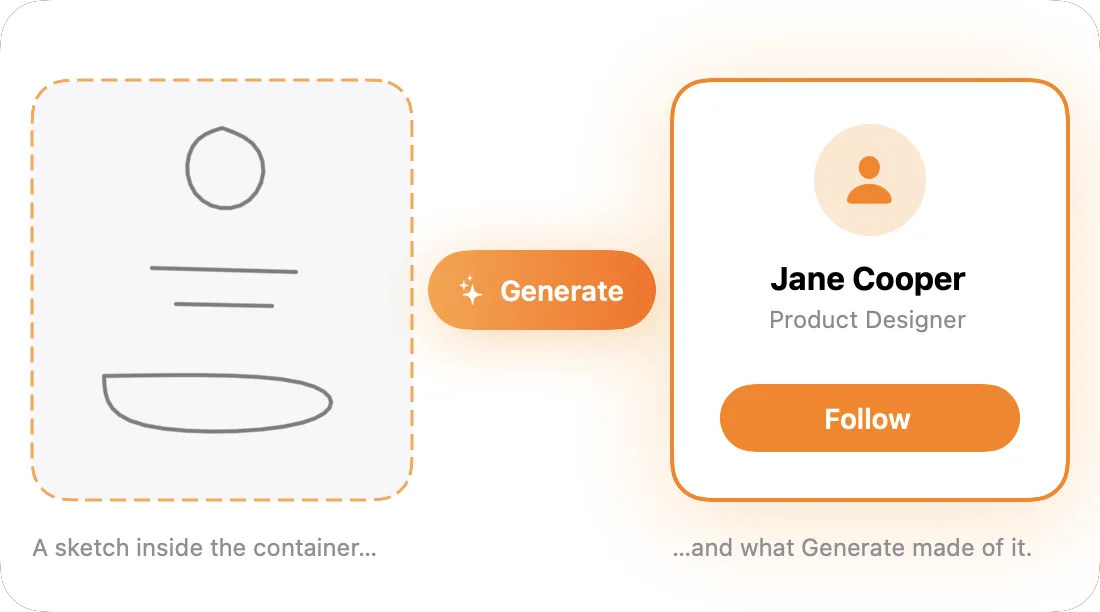
Describe or sketch. Tap the sparkles in its toolbar and describe what goes inside, or tap the scribble and sketch it by hand.
- 3
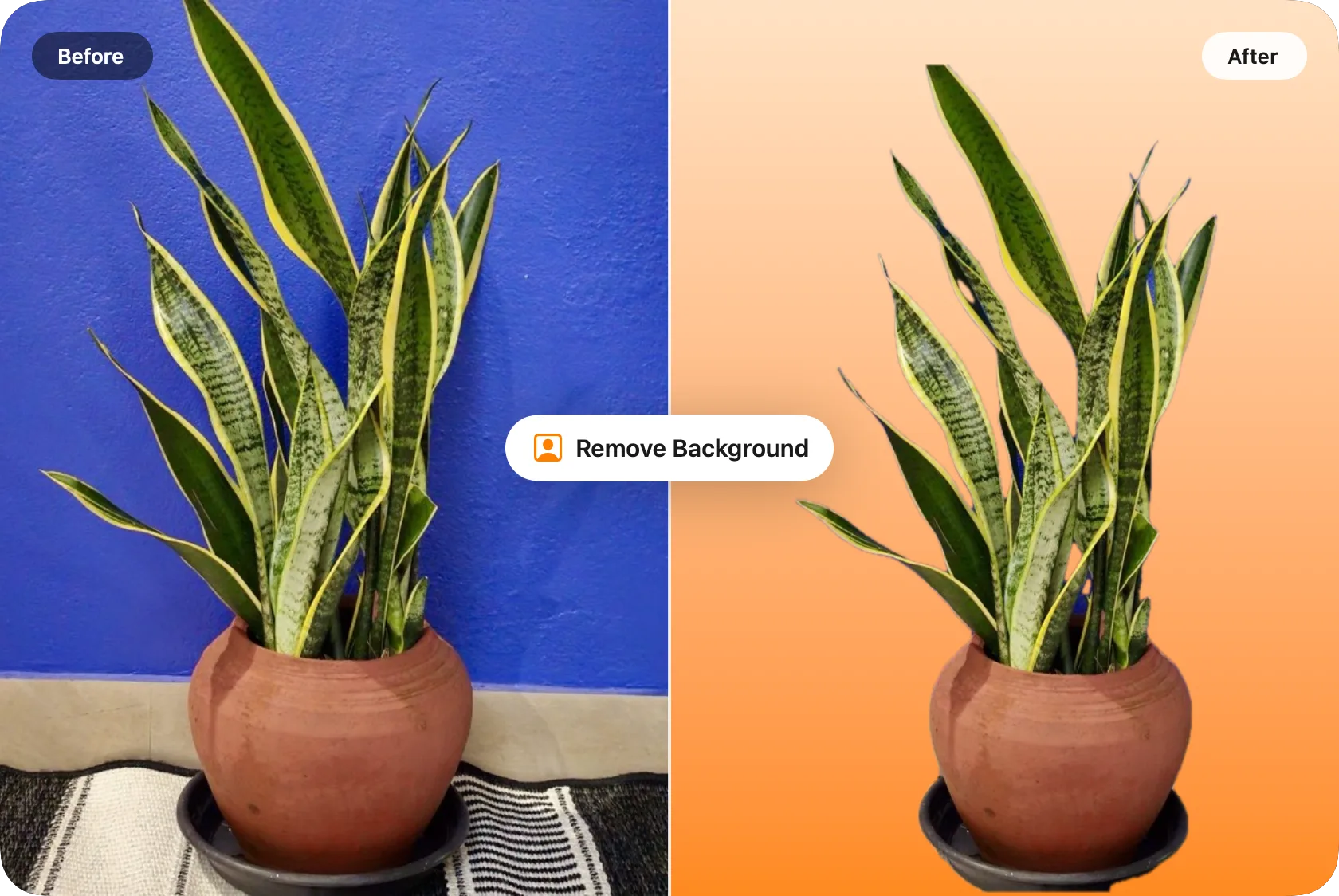
Tap Generate. Seconds later the container holds regular elements. Ask again, and it changes what is already there.