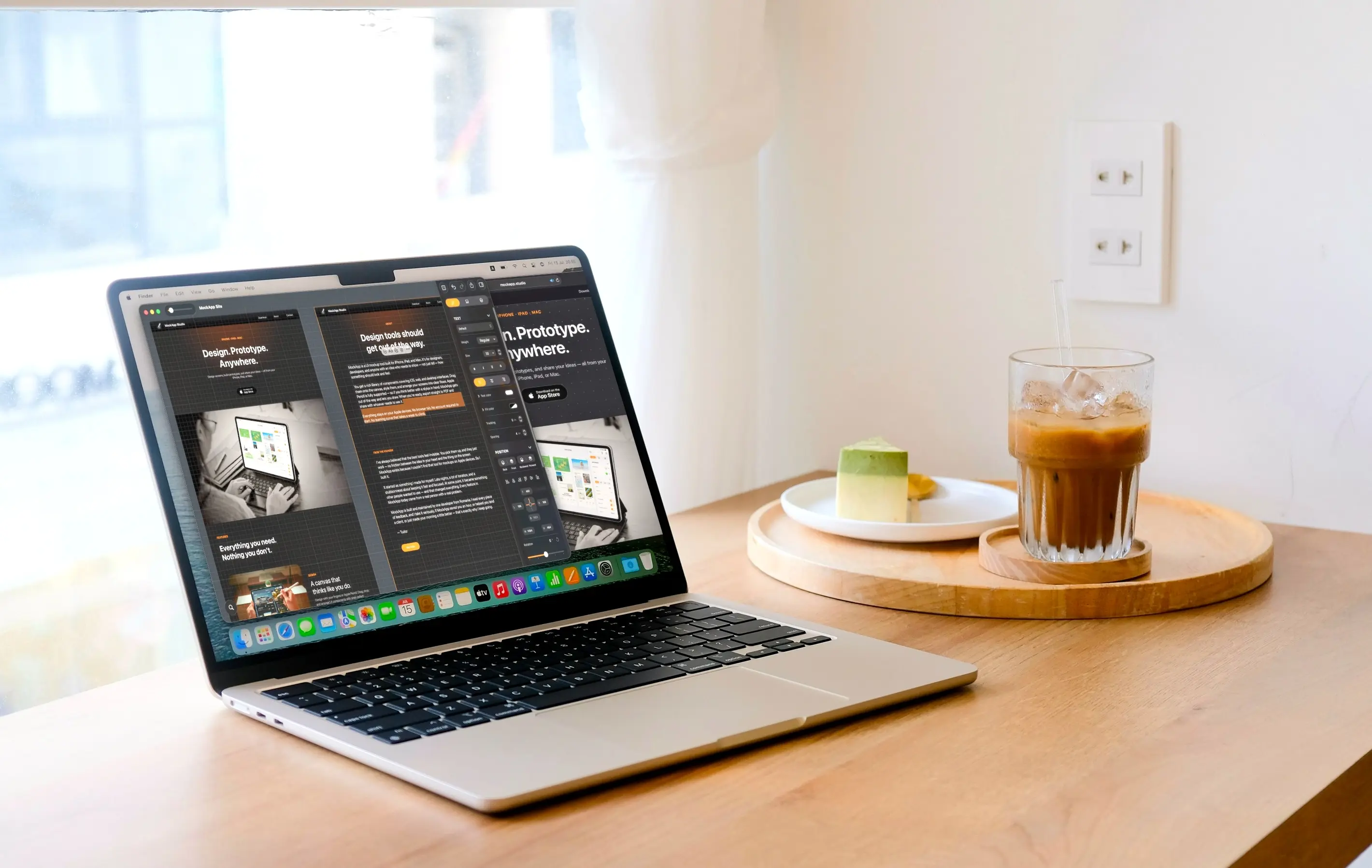
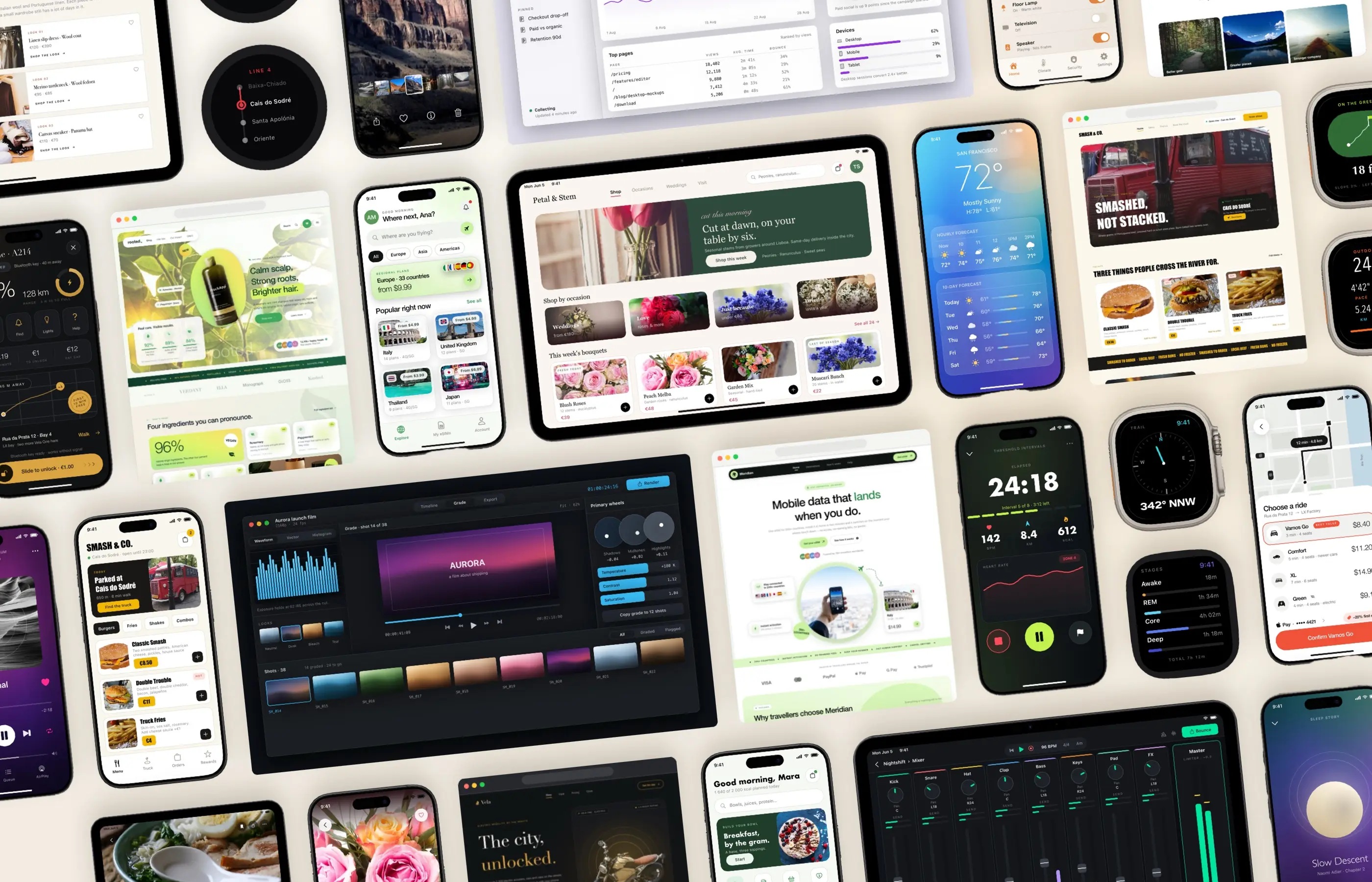
Design
A canvas that thinks like you do.
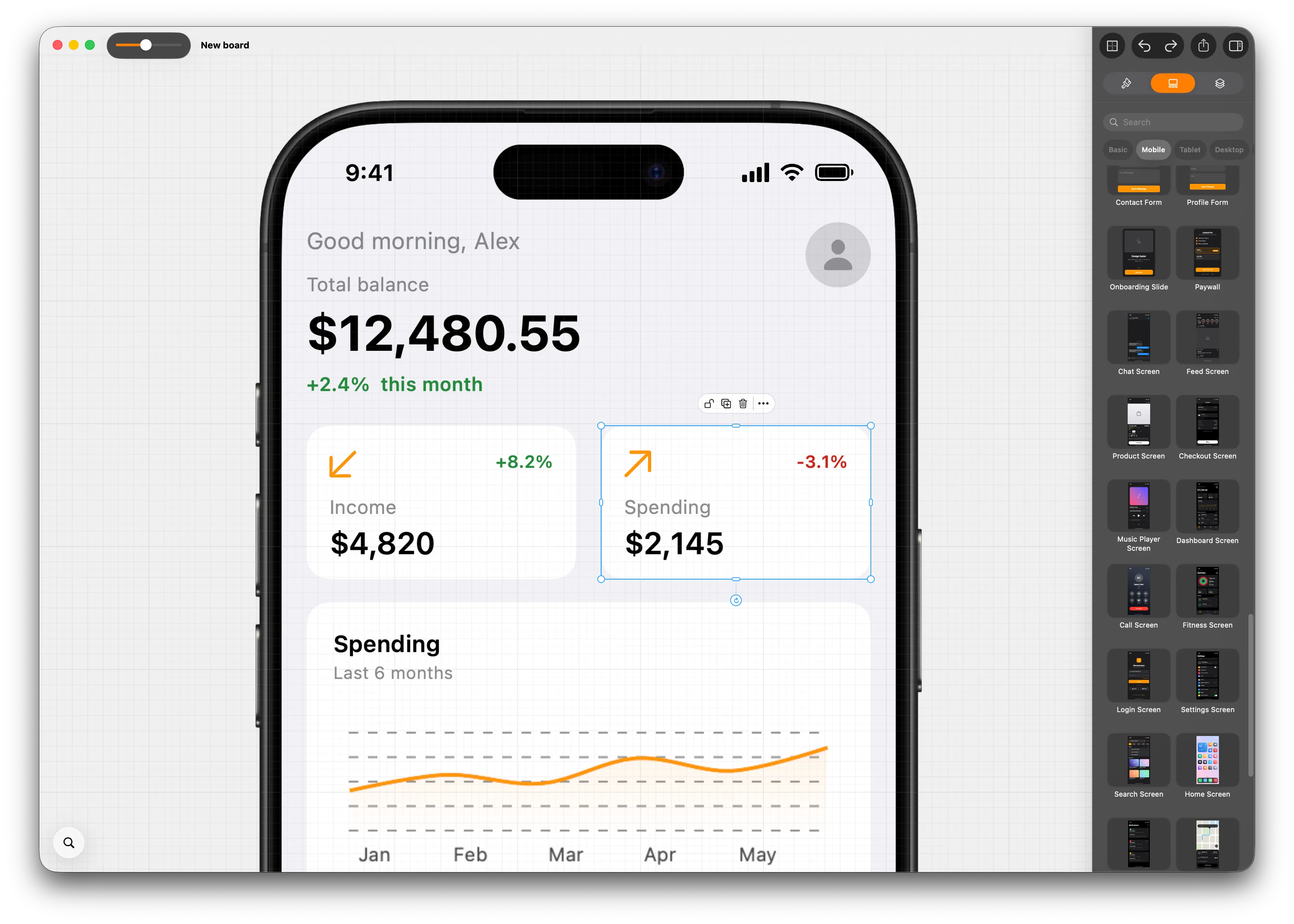
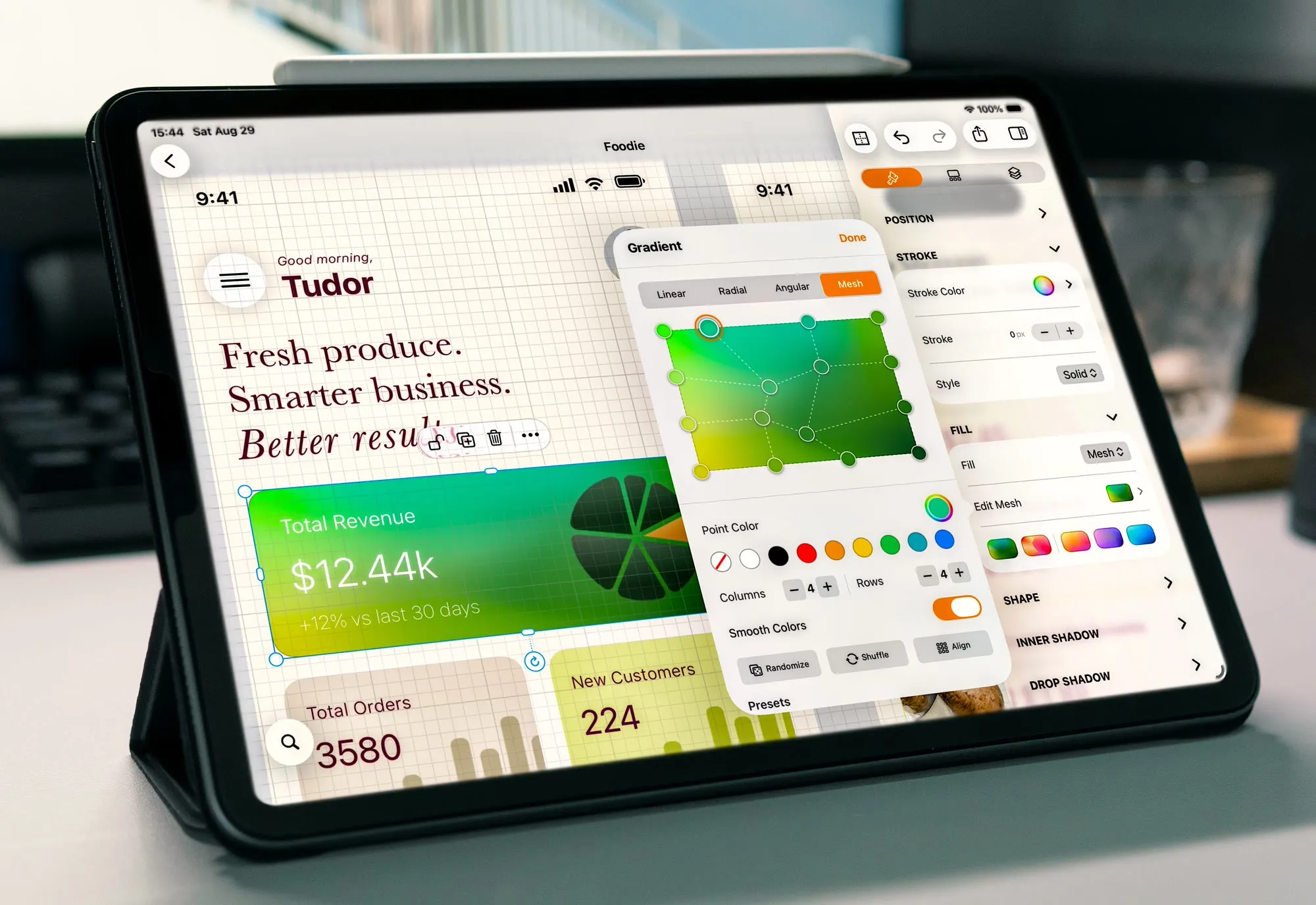
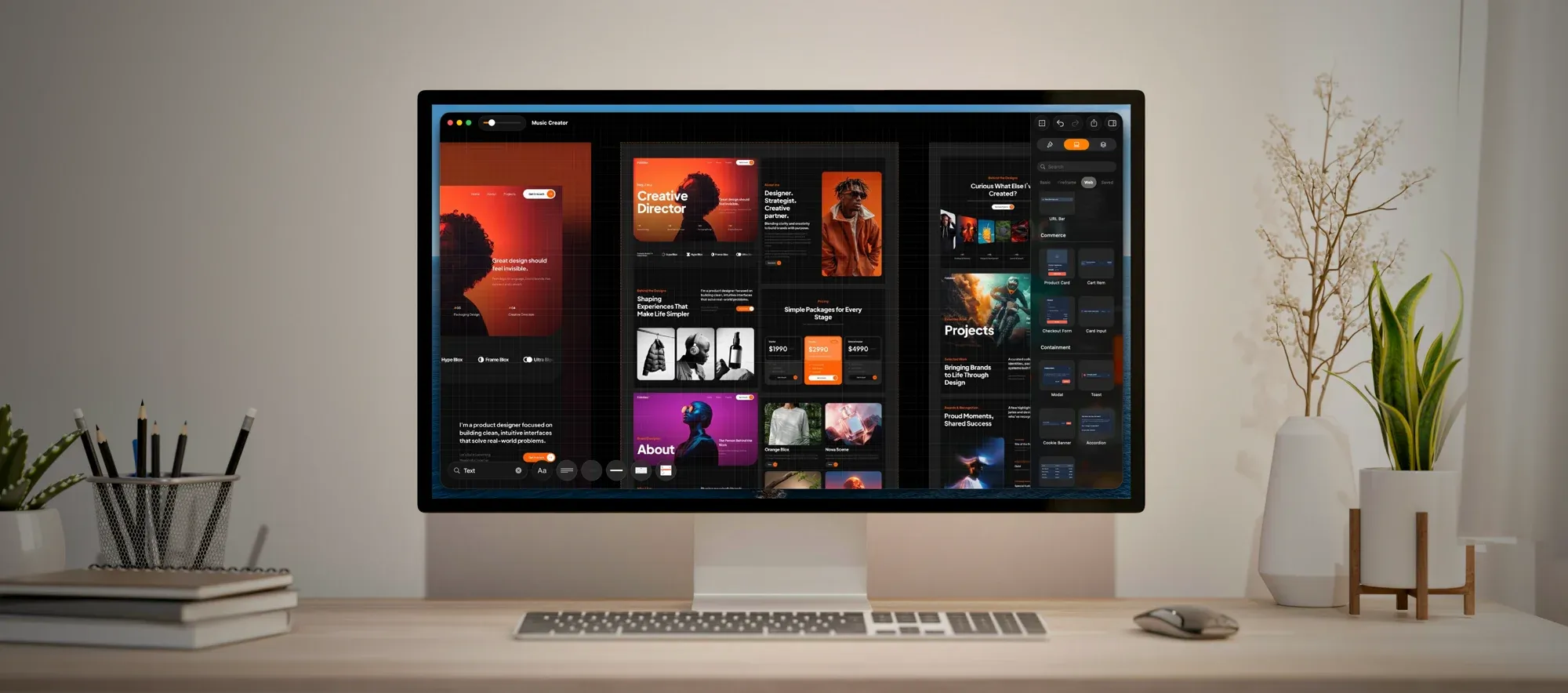
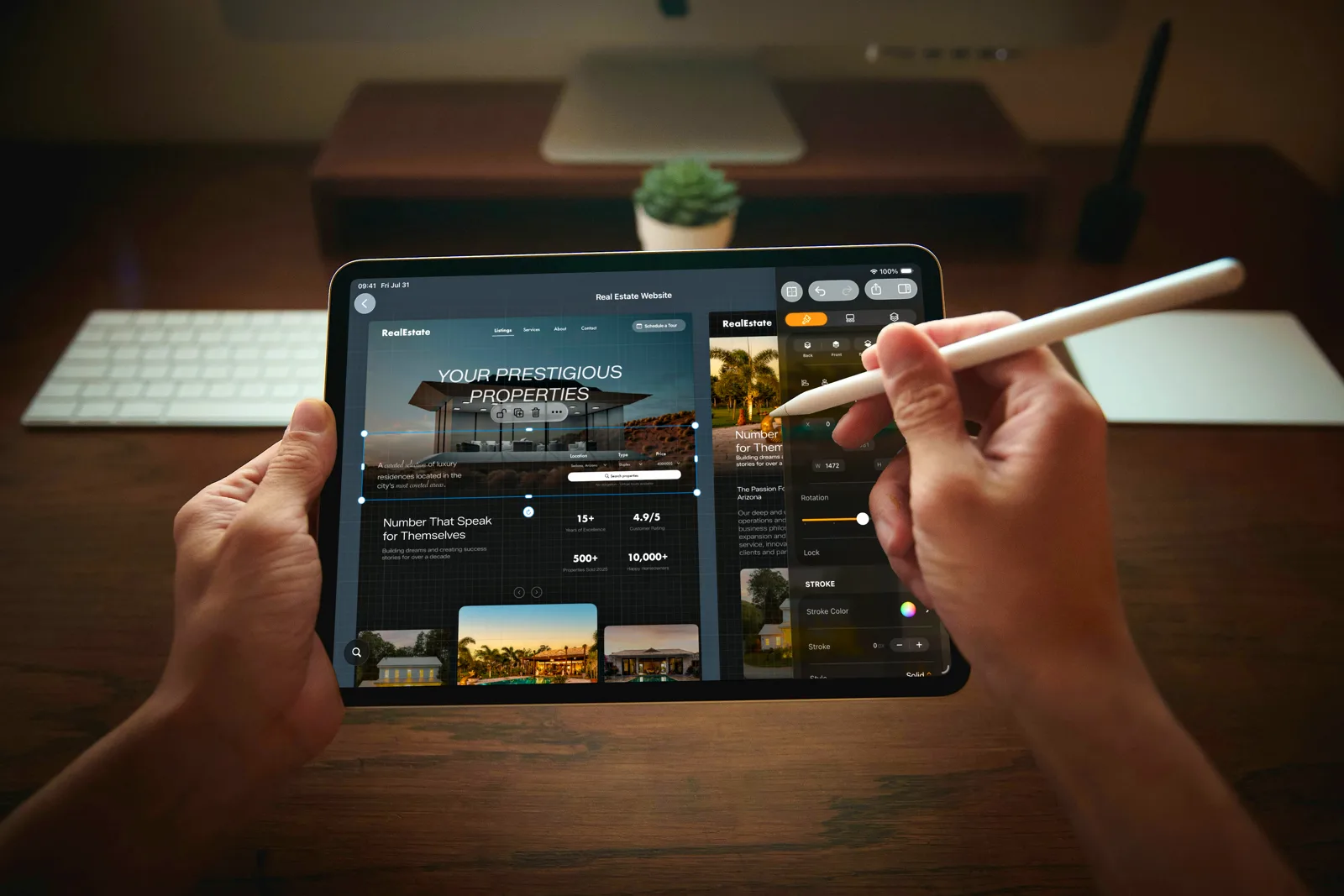
Design with your fingers or Apple Pencil. Drag, drop, and arrange UI components with pixel-perfect precision — every element snaps into place so you can focus on what matters.
iPhone · iPad · Mac
Design screens, build prototypes, and share your ideas — all from your iPhone, iPad, or Mac.
Features
Design
Design with your fingers or Apple Pencil. Drag, drop, and arrange UI components with pixel-perfect precision — every element snaps into place so you can focus on what matters.
Present
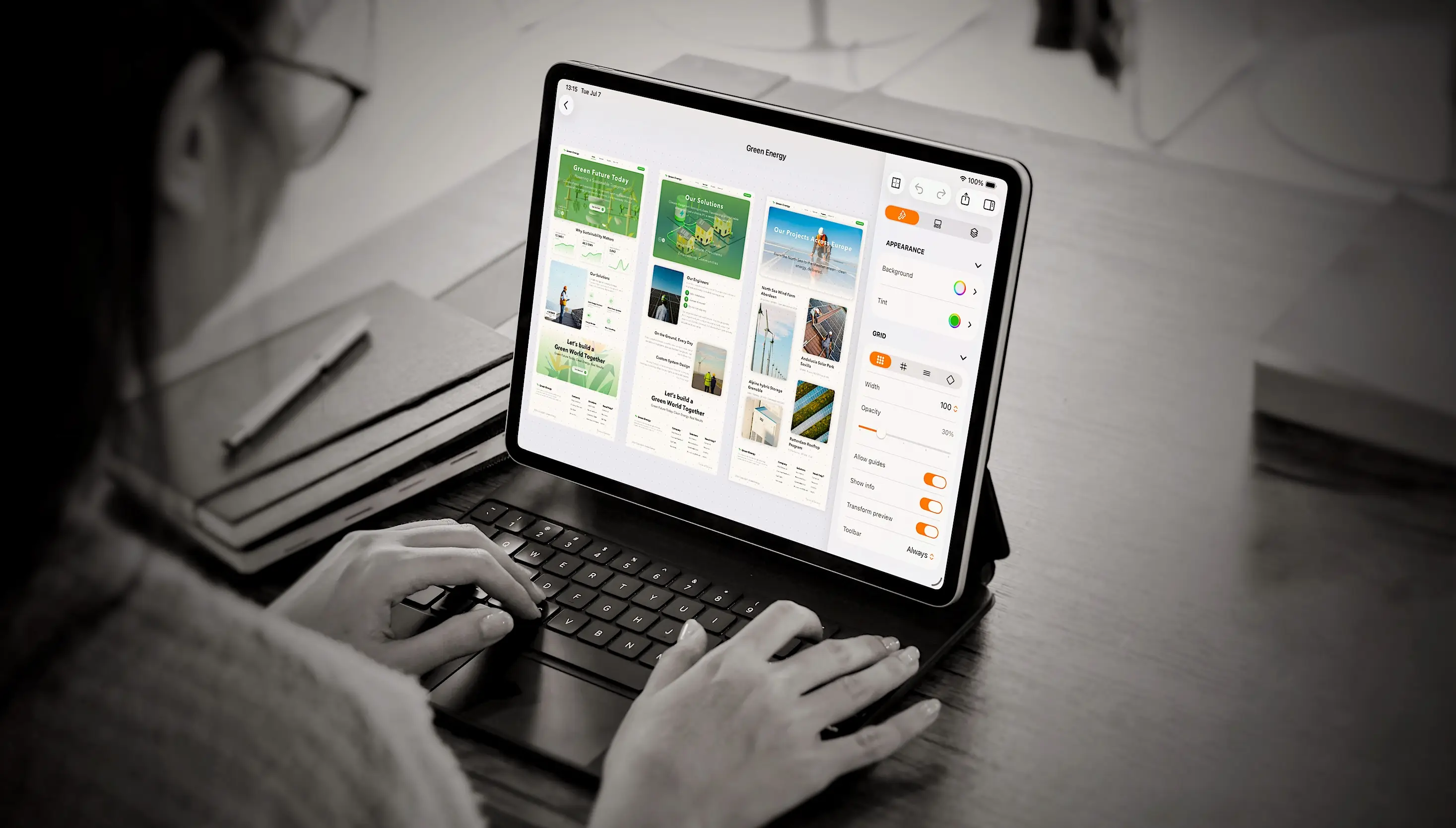
Arrange screens into clear flows and share your mockups with clients or teammates — straight from your device. No extra tools, no friction.
In the wild
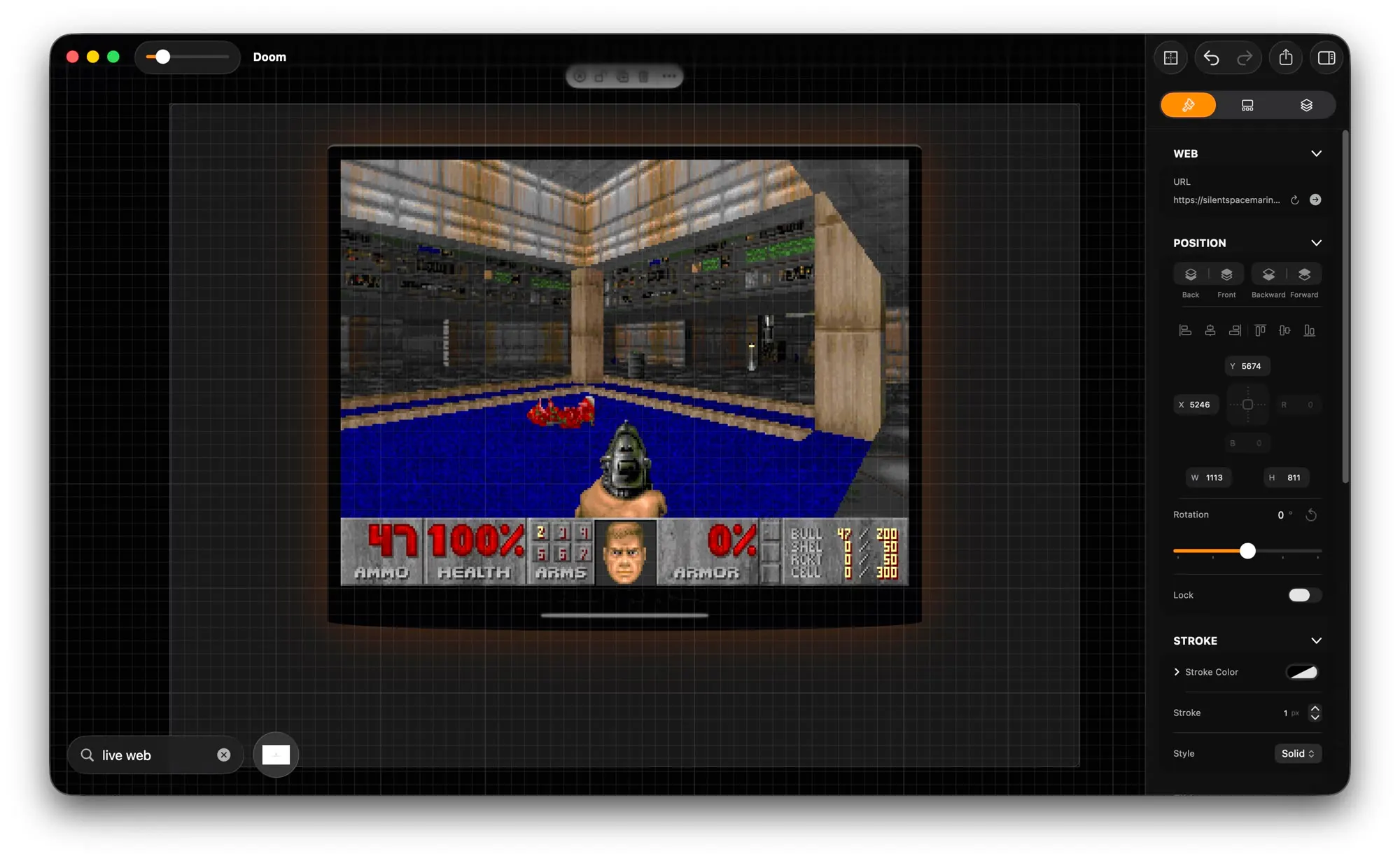
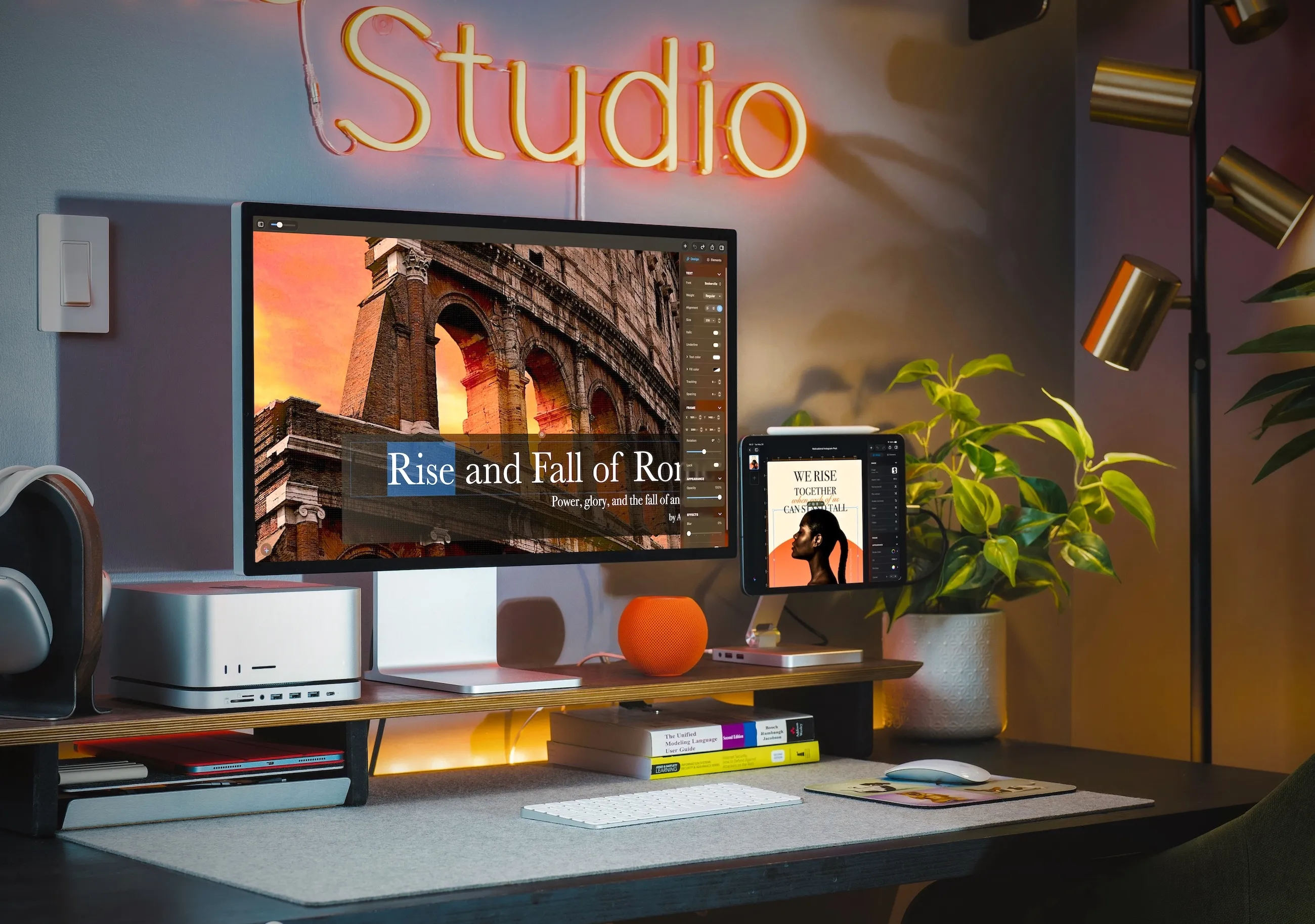
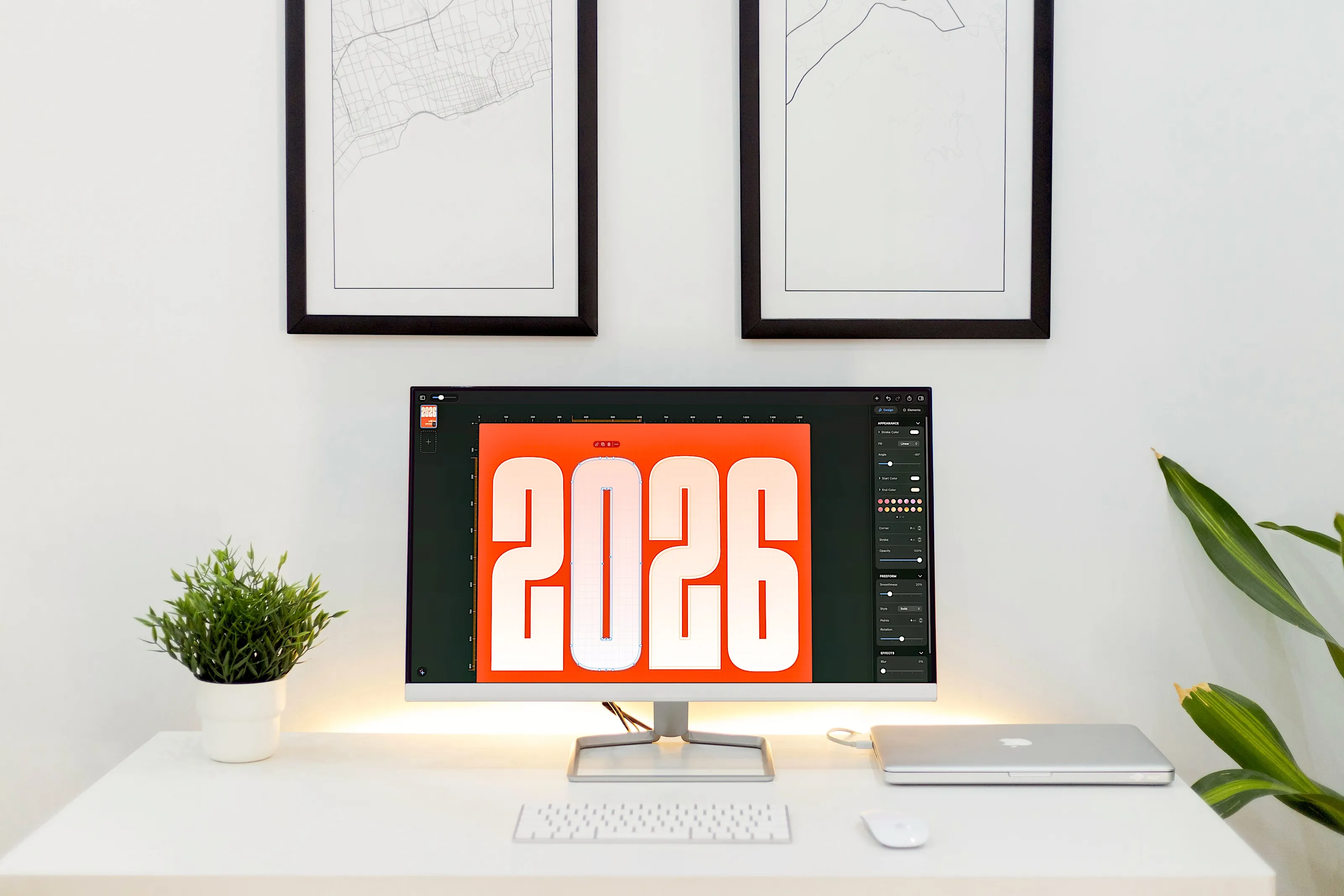
Whether you're sketching a new concept or presenting to stakeholders, MockApp keeps up.
App Store reviews
"Finally, an app that lets me design app screens without needing a desktop! It's smooth, responsive, and packed with useful features."
"Excellent for quick wireframing and UI designs. One of the best design tools on iPad — I love how simple it is to use."
"Super easy and quick to put together a mockup and share it!"
"A good tool for building mockups and wireframes of apps, websites, processes and flows. Runs great on my iPad Air and iPad Pro — no crashes, no lost work, nothing."
"Very promising! I've been using the app for a few days and I can easily see its potential."
"Absolutely the best app ever."
"An absolute game-changer for designing application mocks! The intuitive interface makes it a joy to use. Whether you're sketching a quick wireframe or refining a high-fidelity mockup, it has everything you need. Highly recommended for designers and developers alike!"
"Handy tool for quick design on iPad. The interface is very intuitive."