A canvas that thinks like you do.
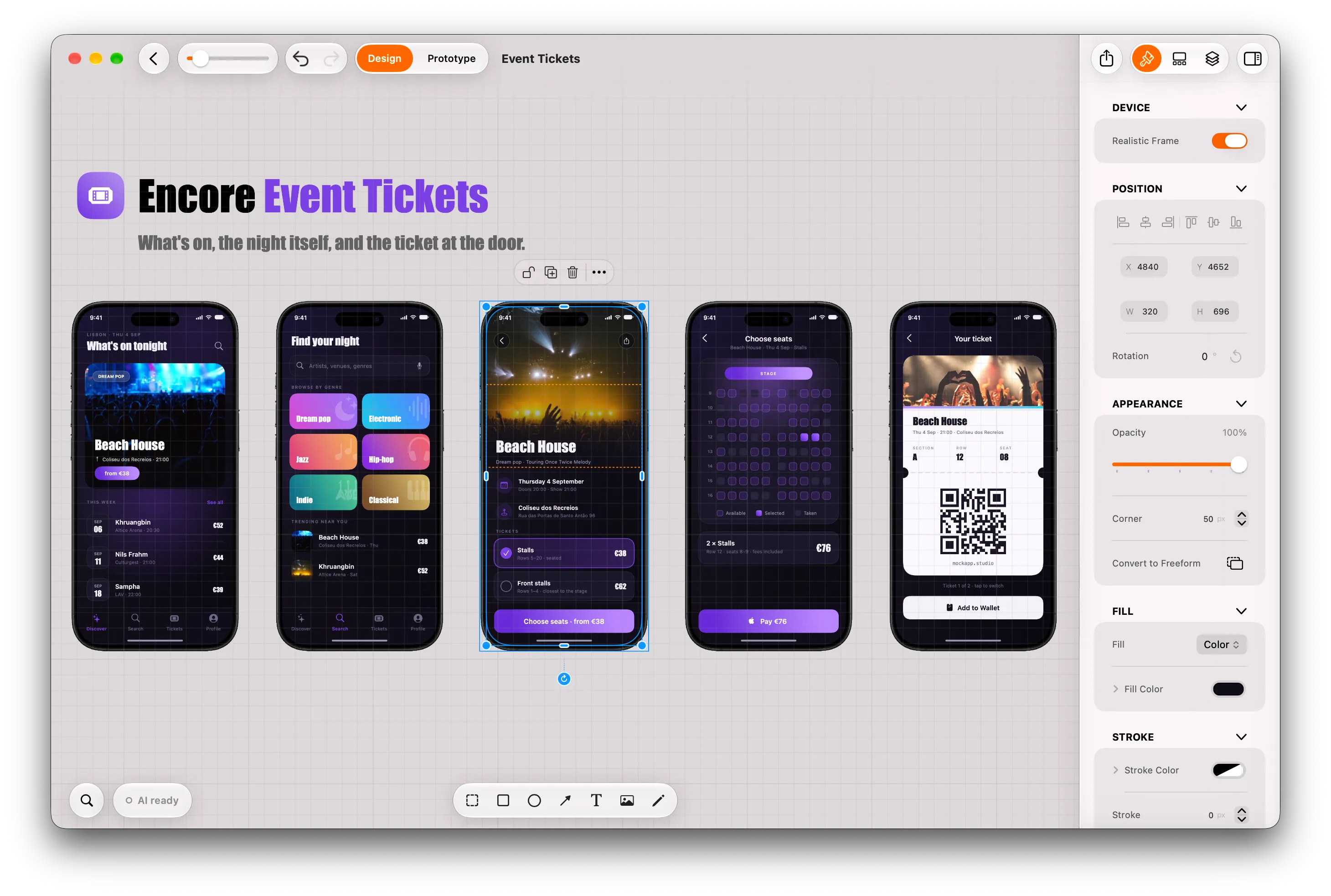
Drag, drop, arrange. Smart guides line things up as you move them, with a finger, Apple Pencil, a trackpad or a mouse.

Screens, websites and prototypes on one infinite board.
★★★★★ 4.8 on the App Store·Free download·No account, no sign-up
A weather app, a bank, a barbershop website, a watch face. Each one is a small, finished product, most with real photography. Pick one, then make it yours.
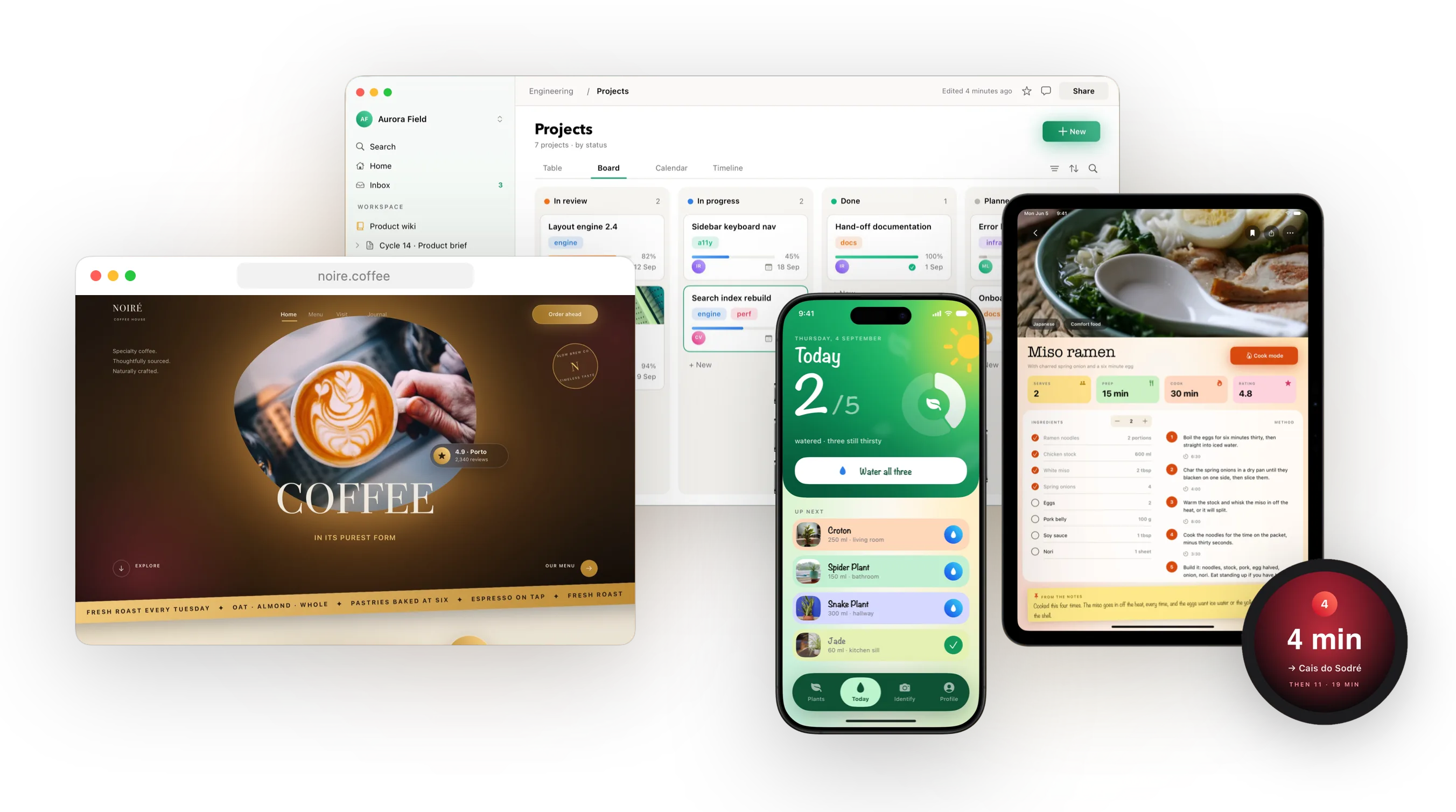
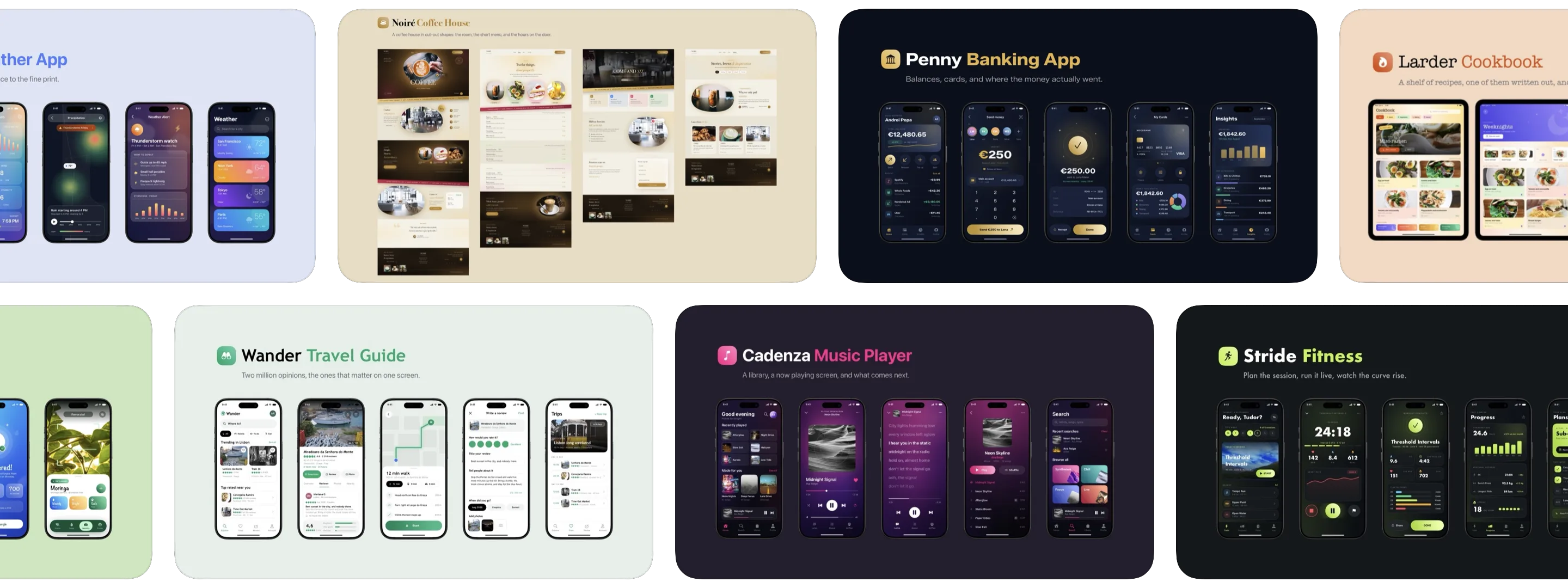
Every template opens as a board you can edit: screens, photos and copy included.
See all templates →The tools of a desktop design app, made for touch, Apple Pencil, a trackpad and a mouse.
All features →Drag, drop, arrange. Smart guides line things up as you move them, with a finger, Apple Pencil, a trackpad or a mouse.
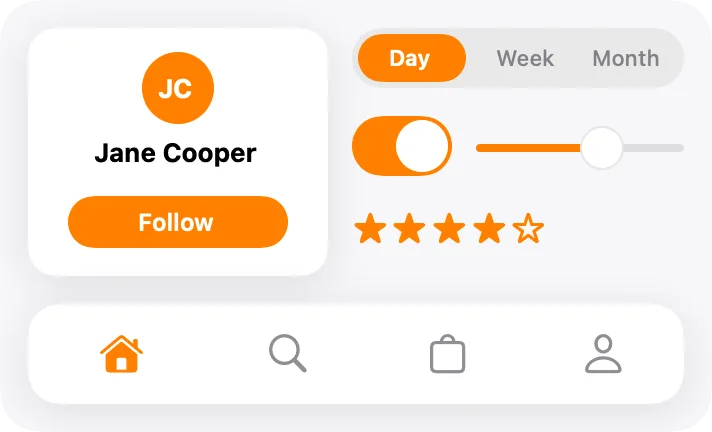
Over 350 ready-made pieces: bars, cards, forms, charts and whole screens. Every one is editable.
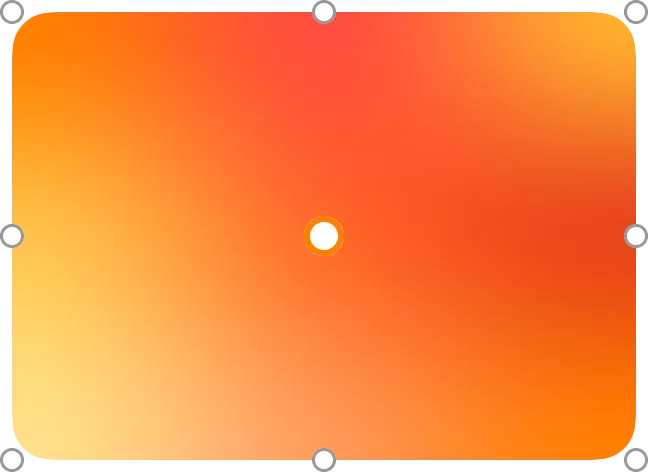
Move each point, pick a colour, and the fill blends itself.
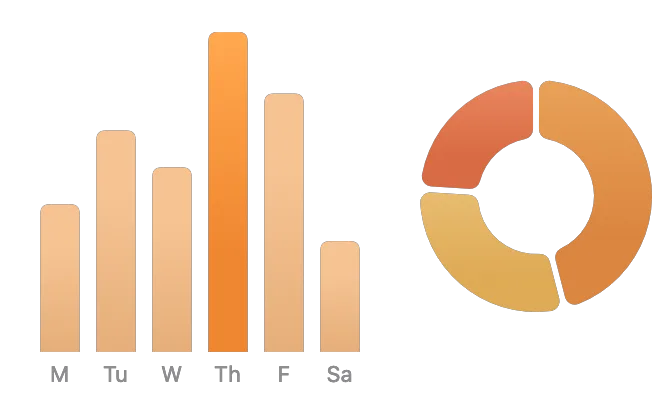
Bars, lines and donuts you edit as data, not as pictures.
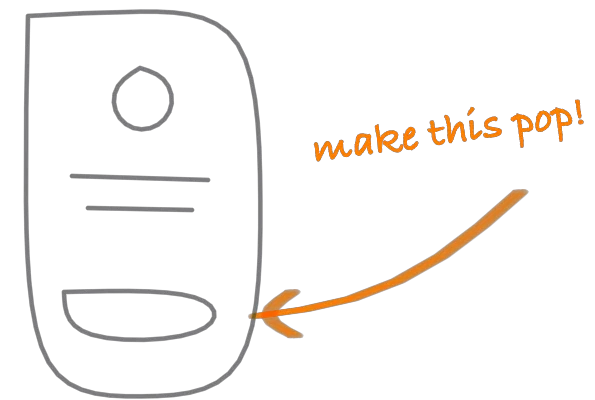
Draw right on the board with Apple Pencil: notes, arrows, a rough layout before the real one.
Boards sync through iCloud. Start on iPhone at lunch, finish on the Mac.

Draw a link from a button to the screen it opens, pick a transition, and tap through your app as if it were real. Then save the walk-through as a video.
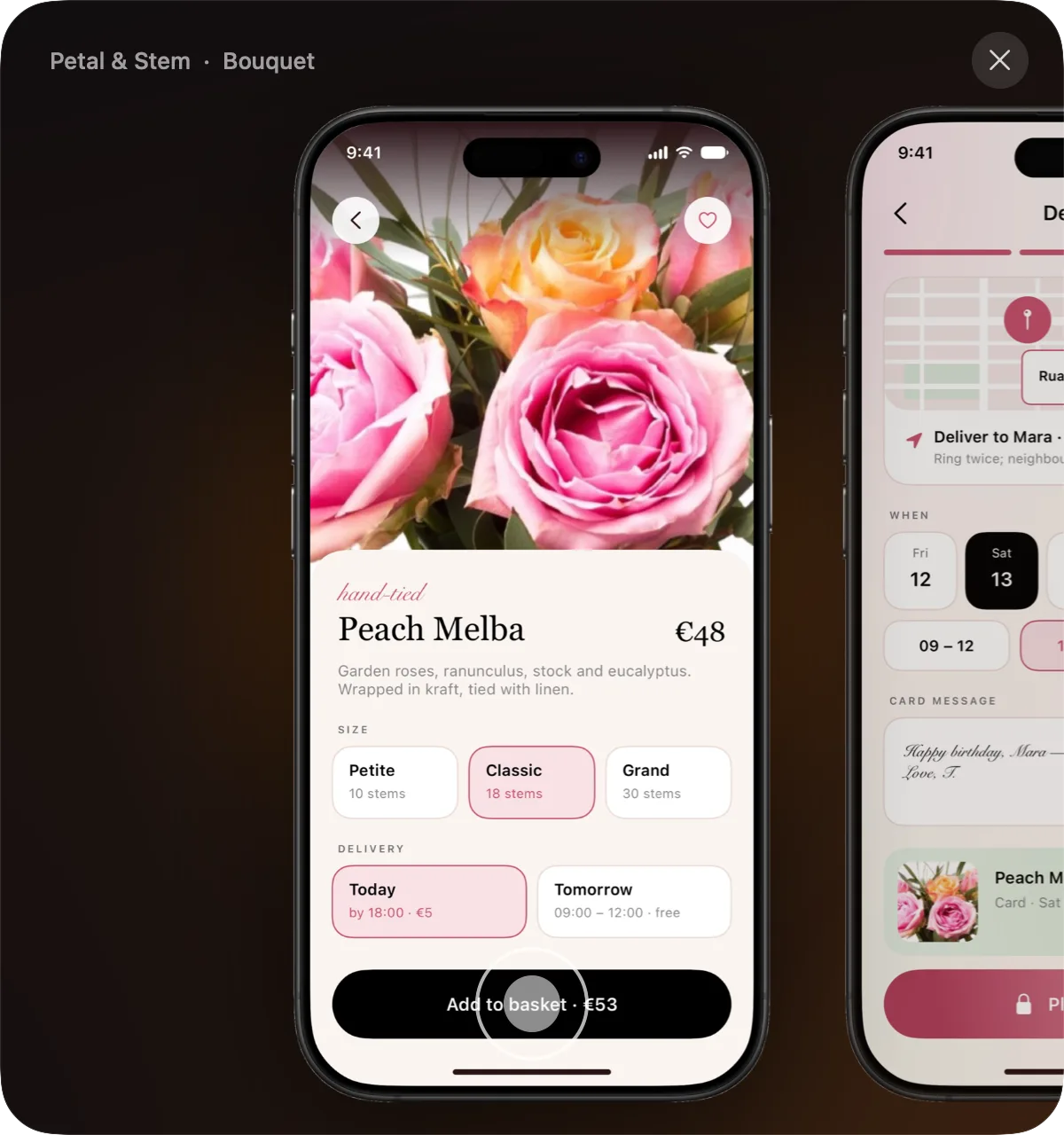
Magic AI is built in. Soon your own AI app will design on your board too, and hand it to a coding agent.
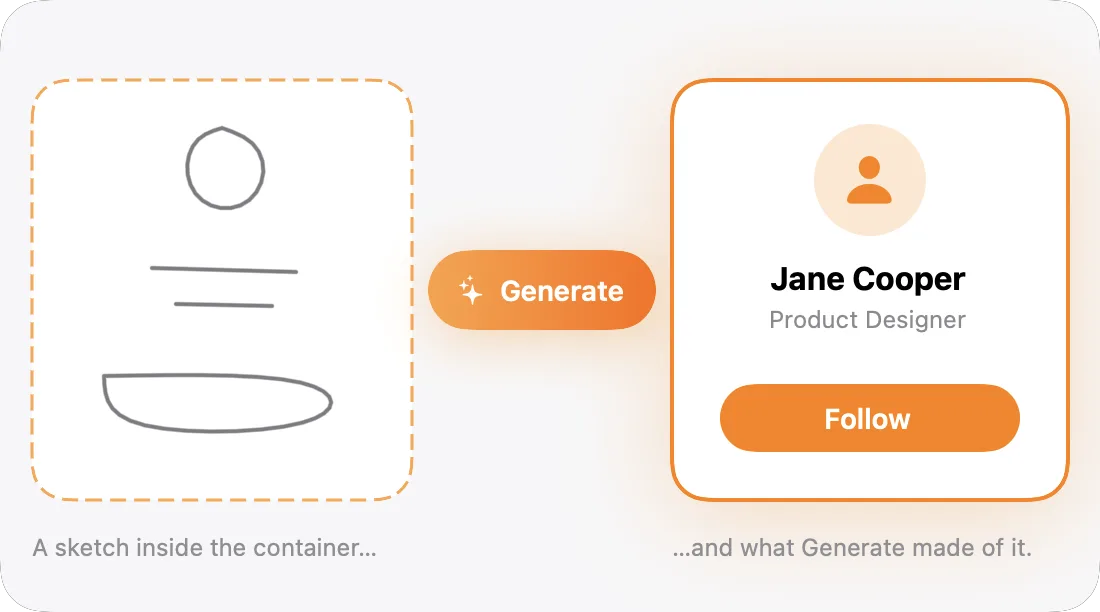
More about AI →Draw a rough layout inside a Magic AI container or describe it, press Generate, and get a real screen you can edit.
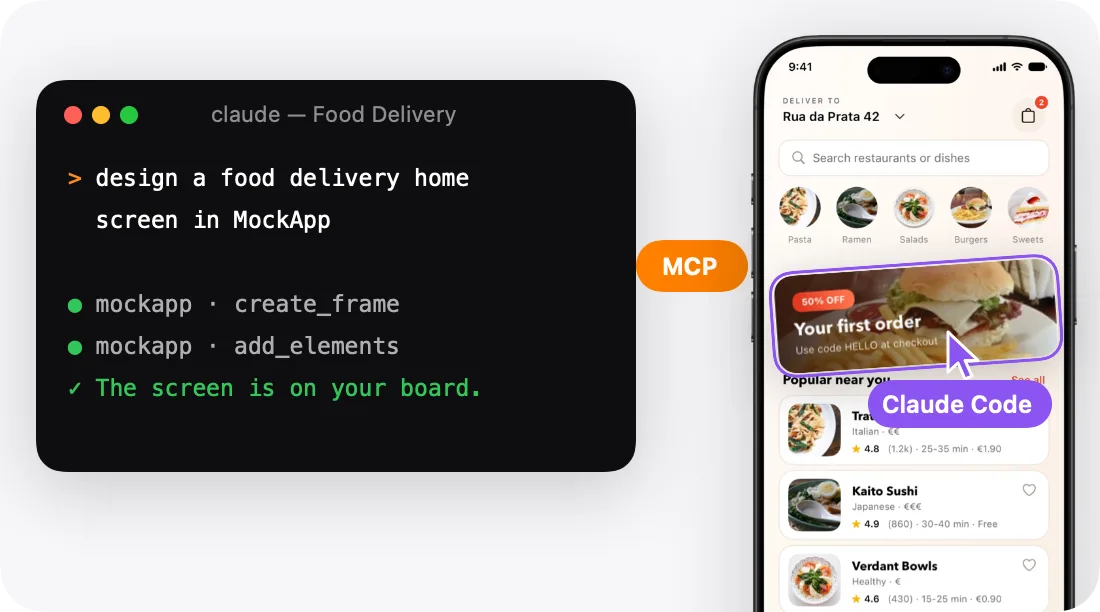
Connect Claude Code, Codex, Cursor or another AI app on your Mac. It builds screens on your board while you watch.
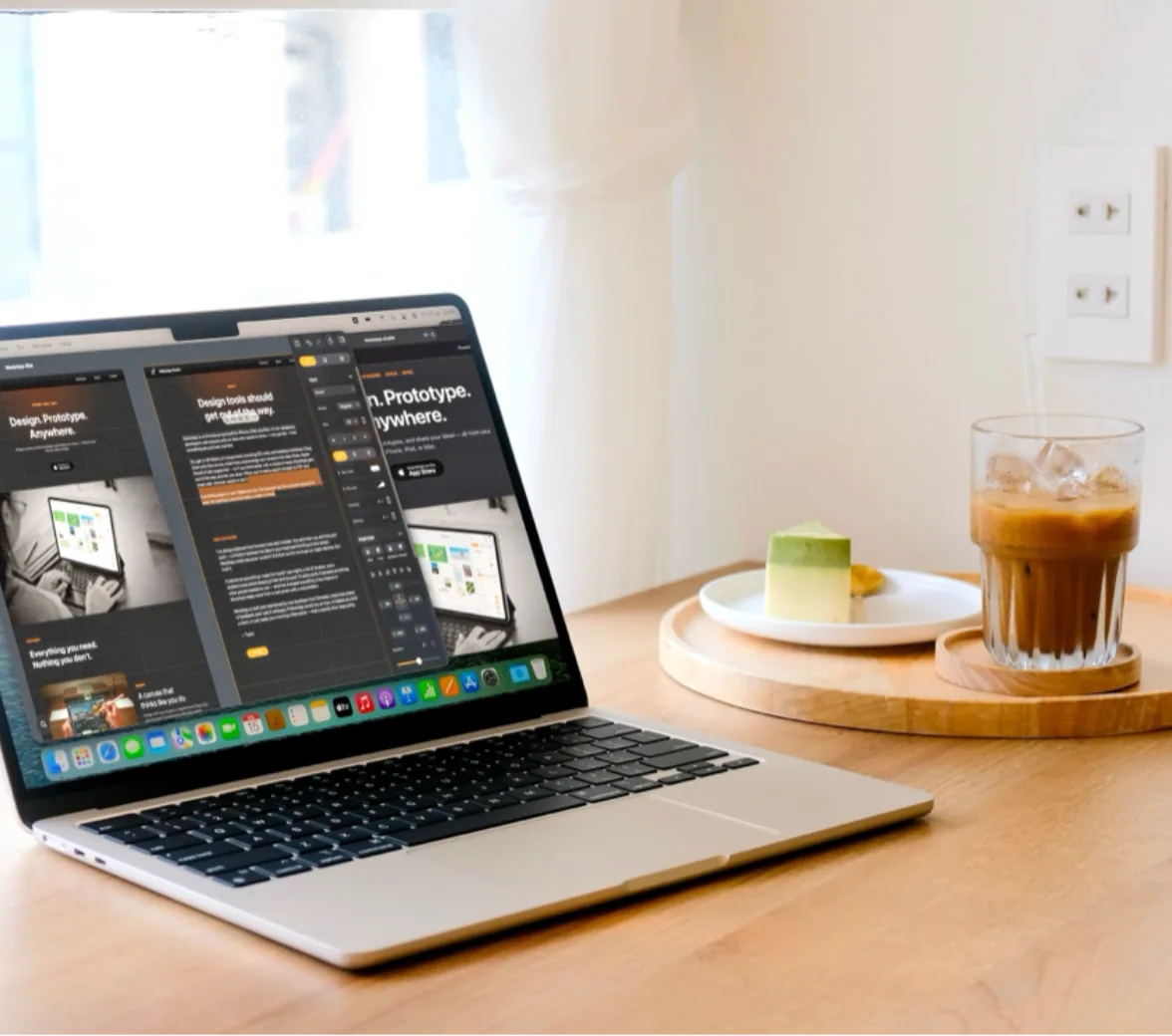
Every section was laid out in the app first, then built.
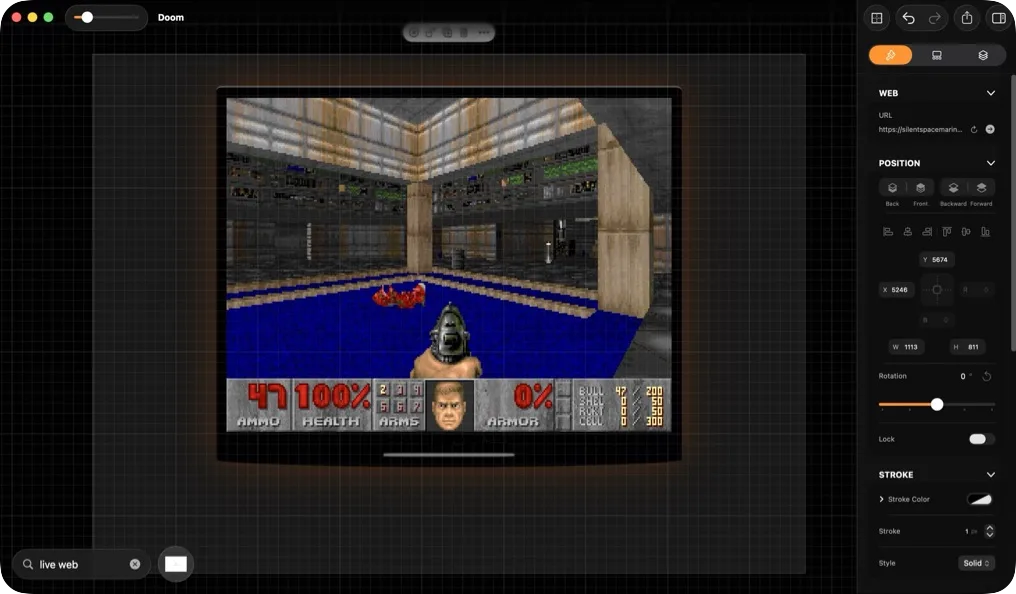
A live web page on the board, playing Doom. Because it can.
“I really like this app, it's better than Figma.”Galaxy Creative Studio
“Finally, an app that lets me design app screens without needing a desktop! …”Murziki
“…One of the best design tools on iPad — I love how simple it is to use.”Vailli
“…Runs great on my iPad Air and iPad Pro — no crashes, no lost work, nothing.”Jon Bates
“Super easy and quick to put together a mockup and share it!”bmoirdev
“Handy tool for quick design on iPad. The interface is very intuitive.”andreea

“I’ve always believed that the best tools feel invisible: you pick them up and they just work. MockApp exists because I couldn’t find that tool for mockups on Apple devices. So I built it.”
Tudor Octavian Ana · Founder and developer of MockApp
Read the story →
Free download. No account, no sign-up. For iPhone, iPad and Mac.